Different Authentication Techniques Explained: Sessions, Tokens, OAuth, SSO & More
A complete breakdown of different authentication techniques used in modern applications, from sessions and JWTs to OAuth, SSO, MFA, and passwordless login, what each one actually does and when to use it.
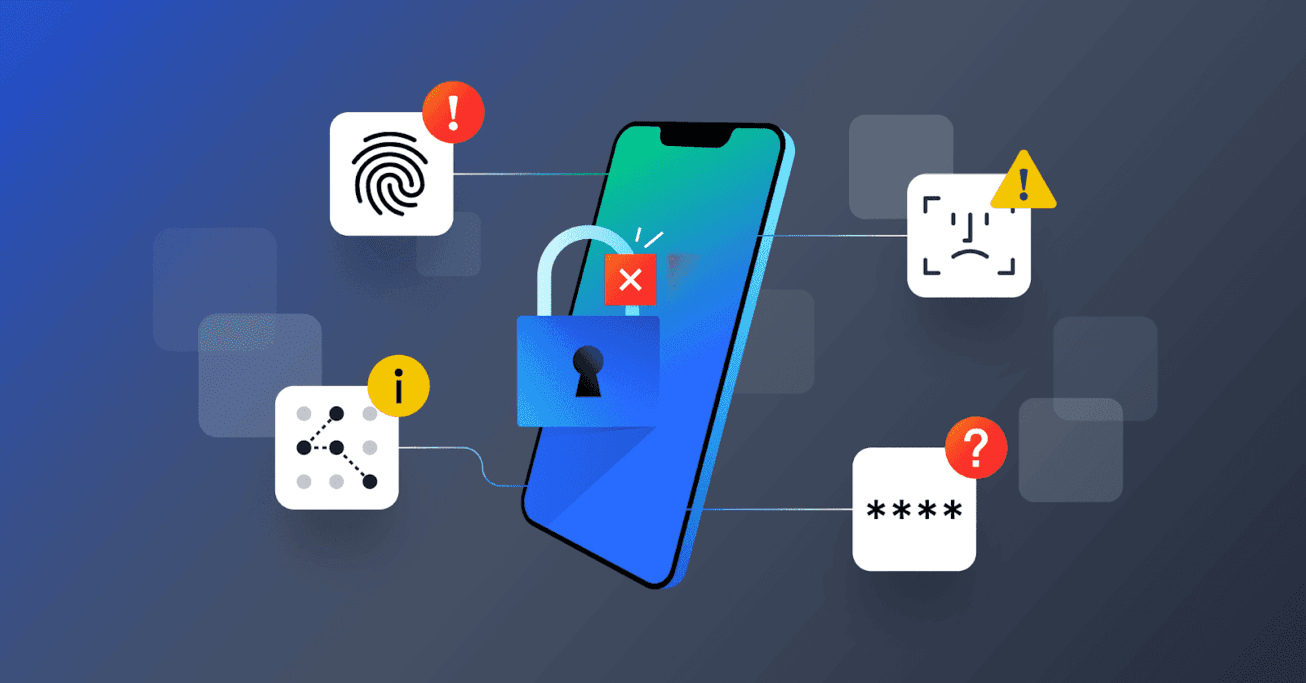
Authentication Isn't One Thing, It's a Set of Techniques
Every app that has a login screen is making a decision, often without realizing it, about how it proves a user is who they say they are. That decision shapes security, user experience, and how easily the system scales. "Authentication" isn't a single method, it's a category covering several distinct techniques, each with different trade-offs, and most real applications combine more than one.
This guide walks through the major authentication techniques in use today, how each one actually works under the hood, and where each one fits best.
1. Session-Based Authentication
This is the classic, long-standing approach used by traditional web applications. When a user logs in, the server creates a session, a record stored server-side containing the user's identity and login state, and gives the browser a session ID stored in a cookie. On every subsequent request, the browser sends that cookie back, and the server looks up the session to confirm who's making the request.
- How it works: Server stores session data; client only holds a reference (the session ID)
- Strengths: Simple to implement, easy to revoke instantly (just delete the session server-side)
- Weaknesses: Requires server-side storage, which makes horizontal scaling across multiple servers more complex without a shared session store
- Best for: Traditional server-rendered web applications
2. Token-Based Authentication (JWT)
Token-based authentication flips the model: instead of the server storing session state, the server issues a signed token, most commonly a JSON Web Token (JWT), containing the user's identity and claims directly inside the token itself. The client stores this token and sends it with every request, typically in an HTTP header. The server verifies the token's signature to confirm it's valid, without needing to look anything up in a database.
- How it works: The token itself carries the user's data, cryptographically signed so it can't be tampered with
- Strengths: Stateless, meaning any server in a cluster can verify the token independently, making it far easier to scale
- Weaknesses: Harder to revoke instantly since the server isn't tracking active tokens by default, revoking usually requires short expiry times plus a refresh token system
- Best for: APIs, mobile apps, and single-page applications where statelessness and scalability matter
3. API Key Authentication
API keys are a simpler mechanism, mostly used for machine-to-machine or developer-facing access rather than human login. A unique key is generated and given to a client (often another application or a developer integrating with your API), and it's included with every request to prove the caller is authorized.
- How it works: A static key is issued once and sent with every API request, usually as a header
- Strengths: Simple to implement and understand, good for service-to-service communication
- Weaknesses: No built-in expiry or user-specific context by default; if a key leaks, it typically grants broad access until manually revoked
- Best for: Public APIs, third-party integrations, and server-to-server communication, not typically for end-user login
4. OAuth and OpenID Connect (OIDC)
OAuth is often misunderstood as "login with Google," but it's actually an authorization framework first, designed to let a user grant one application limited access to their data on another platform, without ever sharing their password with the requesting app. OpenID Connect (OIDC) is an identity layer built on top of OAuth that adds actual authentication, confirming who the user is, not just what they're allowed to access.
- How it works: The user is redirected to a trusted provider (like Google), logs in there, and grants permission. The provider then issues a token back to the requesting app confirming identity and, if applicable, specific access
- Strengths: Removes the need for apps to store passwords at all, leverages trust in an established identity provider, reduces friction for users (fewer new passwords to create)
- Weaknesses: Adds architectural complexity, and ties your login flow to the reliability of a third-party provider
- Best for: Social login, and any app that wants to reduce password fatigue for users
5. Single Sign-On (SSO)
SSO lets a user log in once and gain access to multiple related applications without logging in separately to each one. It's especially common in enterprise environments, where an employee logs into a company identity provider once and is automatically authenticated across every internal tool.
- How it works: A central identity provider authenticates the user once and issues a token or assertion (often using protocols like SAML or OIDC) that connected applications trust
- Strengths: Major convenience and security improvement for organizations, centralizes access control (disable one account, lose access everywhere)
- Weaknesses: A compromised central identity provider becomes a single point of failure across every connected system
- Best for: Enterprise and B2B SaaS products, especially those selling to organizations with existing identity infrastructure
6. Multi-Factor Authentication (MFA)
MFA isn't a replacement for the methods above, it's an additional layer stacked on top of them. Instead of relying on just one proof of identity (like a password), MFA requires at least two independent factors: something the user knows (a password), something they have (a phone, a security key), or something they are (a fingerprint or face scan).
- Common forms: SMS or authenticator app codes (TOTP), push notifications to a trusted device, hardware security keys (like FIDO2/WebAuthn devices)
- Strengths: Dramatically reduces the impact of a stolen or leaked password, since a password alone is no longer enough
- Weaknesses: Adds friction to login, and some methods (like SMS codes) are more vulnerable to interception than others
- Best for: Any application handling sensitive data, financial accounts, admin panels, or anywhere account takeover has serious consequences
7. Biometric Authentication
Biometric authentication verifies identity using a physical characteristic, fingerprint, face recognition, or occasionally voice or iris scanning. On modern devices, this is almost always handled locally: the biometric data itself never leaves the device, the device simply confirms a match and releases a cryptographic credential to the app.
- How it works: The device's secure hardware verifies the biometric locally, then unlocks a stored key or token used to authenticate with the app or service
- Strengths: Fast, convenient, and biometric data typically never touches the app's servers, reducing privacy risk
- Weaknesses: Tied to a specific device; doesn't work well as a sole method across multiple devices without a fallback
- Best for: Mobile apps, as a fast unlock method layered on top of an existing account, not usually as the only authentication method
8. Passwordless Authentication
Passwordless authentication removes the password from the equation entirely, replacing it with something inherently harder to steal or guess. Common forms include magic links (a one-time login link sent to a verified email), one-time passcodes (OTP) sent via SMS or email, and passkeys, a newer standard based on public-key cryptography where a private key never leaves the user's device.
- How it works: Instead of comparing a password against a stored hash, the system verifies possession of a device, inbox, or cryptographic key
- Strengths: Eliminates the risks tied to weak, reused, or phished passwords entirely; passkeys in particular are resistant to phishing by design
- Weaknesses: Requires users to have reliable access to their email, phone, or device; passkeys are newer and not yet universally supported across every platform
- Best for: Products prioritizing both strong security and reduced login friction, increasingly the direction most major platforms are heading
Comparing the Techniques at a Glance
| Technique | Statefulness | Best Fit |
|---|---|---|
| Session-Based | Stateful (server-side) | Traditional web apps |
| Token-Based (JWT) | Stateless | APIs, mobile apps, SPAs |
| API Keys | Stateless (typically) | Service-to-service, public APIs |
| OAuth / OIDC | Delegated to provider | Social login, third-party access |
| SSO | Centralized | Enterprise, B2B SaaS |
| MFA | Layered on top of any method | Sensitive accounts, admin access |
| Biometric | Device-local | Mobile app quick-unlock |
| Passwordless | Varies by method | Modern apps prioritizing security & UX |
Most Real Applications Combine Several of These
In practice, very few production applications rely on a single technique in isolation. A typical modern SaaS product might use JWT-based token authentication for its core API, OAuth/OIDC for social login options, MFA as an optional or required extra layer, and SSO support for enterprise customers who need it. The right combination depends on who your users are, how sensitive the data is, and whether you're building a consumer app, an enterprise product, or an API-first platform.
Not sure which authentication approach fits your product, or need it implemented securely from the ground up?
Our development team designs and builds authentication systems, from JWT and OAuth to SSO and MFA, so your login flow is both secure and easy for real users to actually use.
Book a free call with our developer team →
The Bottom Line
Authentication isn't a single checkbox to tick off, it's a set of techniques that solve different problems: proving identity, reducing password risk, scaling across servers, and adding layers of protection for sensitive accounts. Understanding what each technique actually does, rather than treating "login" as one generic feature, is what makes the difference between an authentication system that just works and one that's actually secure and built for how your product will grow.
Frequently Asked Questions
What's the difference between authentication and authorization?▼
Authentication confirms who someone is, verifying their identity through a password, token, or biometric check. Authorization decides what that authenticated person is allowed to do once they're identified, like which pages, data, or actions they can access. Authentication always happens first; authorization depends on it.
Should I use session-based or token-based authentication?▼
Session-based authentication works well for traditional web apps where the server renders pages and manages state directly. Token-based authentication (like JWT) is generally better for APIs, mobile apps, and single-page applications, since tokens are stateless and don't require the server to store session data, making them easier to scale across multiple servers.
What is OAuth, and is it the same as login with Google or Facebook?▼
OAuth is an authorization framework that lets a user grant one application limited access to their data on another platform, without sharing their password. 'Login with Google' typically combines OAuth with OpenID Connect (OIDC), an identity layer built on top of OAuth, so the app can both verify who the user is and, if needed, request specific permissions.
Is passwordless authentication actually more secure than passwords?▼
Related Blogs
How Backend Deployment Actually Works: The Complete Process Explained
How backend deployment actually works, from writing code to it running live in production: the full process explained step by step, without tying it to any single hosting provider.
Payment Gateway Integration in SaaS: Stripe, PayPal, Razorpay & Multi-Gateway Architecture
How to integrate payment gateways like Stripe, PayPal, and Razorpay into a SaaS product, why most growing SaaS platforms end up using more than one, and how to architect a multi-gateway payment layer without duplicating logic.