How Backend Deployment Actually Works: The Complete Process Explained
How backend deployment actually works, from writing code to it running live in production: the full process explained step by step, without tying it to any single hosting provider.
What "Deployment" Actually Means
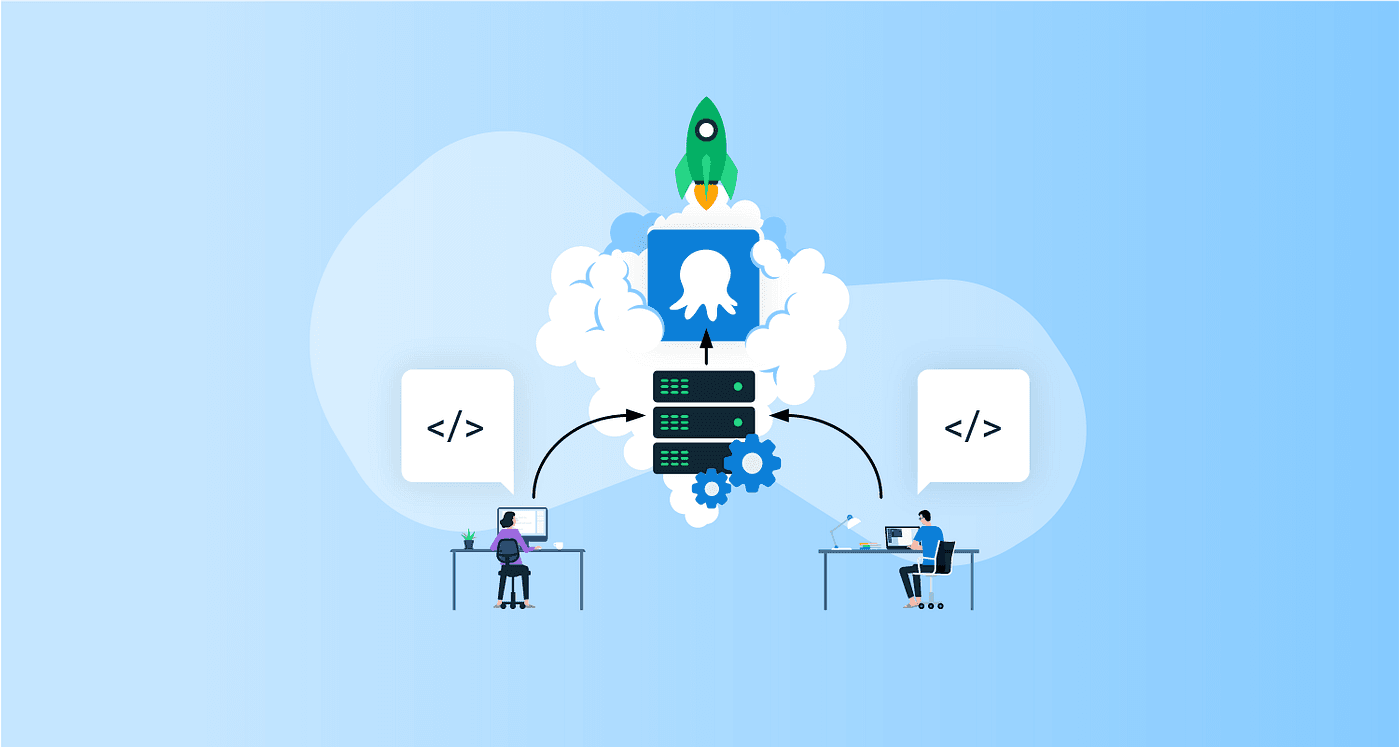
When developers say they're "deploying" a backend, they mean taking code that currently only runs on a developer's own computer and getting it running on a live server where real users, apps, or other systems can actually reach it. It sounds like a single action, but it's really a sequence of steps, each one solving a specific problem: making sure the code works correctly, packaging it consistently, moving it somewhere reachable, configuring it properly, and keeping it running reliably once it's live.
This post walks through that full process end to end, the way it actually works in practice, without tying any of it to a specific hosting company or platform. The concepts here apply broadly, regardless of which infrastructure a team eventually chooses to run on.
Step 1: Writing and Committing Code
Every deployment starts with code sitting in a version control system, almost universally Git. A developer writes a feature or fix, commits the change, and pushes it to a shared repository. This isn't technically part of "deployment" yet, but it's the trigger point: most modern deployment processes are wired to start automatically the moment new code lands in a specific branch, most commonly the main or production branch.
Step 2: Continuous Integration (CI), Testing the Code Automatically
Before any deployment happens, the code needs to be verified. This is where Continuous Integration comes in: an automated pipeline runs the moment new code is pushed, executing the project's test suite, checking for linting errors, and sometimes running security or dependency checks.
- Unit tests: Verify individual functions or components behave correctly in isolation
- Integration tests: Verify different parts of the system work correctly together (e.g., the backend talking to a database)
- Linting and static analysis: Catch code style issues or common bugs before they ever reach a server
If any of these checks fail, the pipeline stops right there, the code never proceeds to deployment. This single gate prevents a huge share of production incidents before they ever have a chance to happen.
Step 3: Building the Application
Once the code passes its checks, it needs to be turned into something that can actually run on a server. This "build" step varies by language and stack, compiling code (for compiled languages), bundling and minifying frontend assets, installing dependencies, or packaging the application into a container image.
Containers deserve a special mention here: a container packages the application together with everything it needs to run correctly, its dependencies, runtime, and configuration, into a single, portable unit. This solves one of the oldest problems in software: code that works perfectly on a developer's machine but breaks once it reaches a different server with a slightly different environment. A container behaves the same wherever it runs, which is a big part of why containerized deployments have become the default approach for most modern backend systems.
Step 4: Storing the Build Artifact
The output of the build step, whether that's a compiled binary, a packaged application, or a container image, is stored somewhere accessible: an artifact repository or container registry. This gives the deployment process a specific, versioned, unchangeable copy of the application to deploy, rather than deploying directly from a developer's local files. It also means if something goes wrong later, there's a clear record of exactly what version was running at any point in time.
Step 5: Deploying to a Staging Environment First
Before anything touches real users, most well-run deployment processes push the new build to a staging environment, a copy of production that's as close to identical as practically possible: same configuration structure, same type of database, same general architecture, just without live user traffic.
Staging exists to catch the class of bugs that never show up on a developer's own machine: configuration mismatches, environment-specific issues, or integration problems between services that only appear once everything is wired together the way it will be in production. Teams typically run automated tests here again, and sometimes manual verification, before approving the change to go further.
Step 6: Deploying to Production
Once a change is verified in staging, it moves to production, the live environment actual users interact with. This is the step most people picture when they hear "deployment," but by this point, most of the risk has already been caught earlier in the pipeline.
Modern production deployments rarely happen as a single abrupt switch. Common strategies include:
- Rolling deployment: New instances of the application gradually replace old ones, a few at a time, so there's no moment where the service is fully down
- Blue-green deployment: Two identical environments exist, one live ("blue") and one idle ("green"). The new version deploys to the idle environment, gets verified, and traffic is then switched over instantly, with the old environment kept ready as an immediate fallback
- Canary deployment: The new version is released to a small percentage of real traffic first, monitored closely, and only rolled out further once it's confirmed stable
Each strategy exists to reduce risk, ensuring a bad change affects as few users as possible, for as little time as possible, before it's caught.
Step 7: Configuration and Secrets
A deployed application needs more than just code, it needs configuration: database connection details, API keys, feature flags, and environment-specific settings (staging vs. production, for instance). This configuration is kept separate from the codebase itself, both for security (so sensitive credentials never sit directly in source code) and flexibility (so the same build can run correctly in different environments simply by changing its configuration, not its code).
Step 8: Health Checks and Monitoring
Once the new version is live, the deployment process doesn't just walk away. Automated health checks continuously verify the application is actually responding correctly, not just "running" but genuinely functioning. Monitoring tools track error rates, response times, and resource usage in real time, so if something starts going wrong, it's caught within minutes rather than being discovered later through user complaints.
Step 9: Rollback, When Things Go Wrong
Even with every precaution, sometimes a deployment introduces a problem that wasn't caught earlier. A solid deployment process is built with this in mind: a rollback mechanism that can revert quickly to the last known-good version, often within minutes, rather than leaving a broken release live while the team scrambles to patch it. This is one of the clearest signs of a mature deployment process: not that failures never happen, but that recovery is fast and well-rehearsed when they do.
Putting the Whole Process Together
| Stage | What Happens |
|---|---|
| Code Commit | Developer pushes code to version control |
| Continuous Integration | Automated tests and checks run against the new code |
| Build | Code is compiled, bundled, or packaged into a deployable artifact |
| Artifact Storage | The build is stored in a versioned, reusable location |
| Staging Deployment | The build is verified in a production-like environment first |
| Production Deployment | The build goes live using a controlled rollout strategy |
| Configuration | Environment-specific settings and secrets are applied |
| Monitoring | Health checks and observability tools confirm the app is working correctly |
| Rollback (if needed) | A quick revert to the previous stable version if something breaks |
Why This Process Matters More Than It Looks
None of this complexity exists for its own sake, every stage in this process exists because something went wrong for someone, somewhere, before these safeguards became standard practice: untested code reaching users, configuration mistakes taking down a live service, or a bad release with no fast way back. A mature deployment process isn't about slowing things down, it's about making frequent, confident releases possible without constantly risking the stability of the live product.
Need a reliable, properly automated deployment pipeline for your backend?
Our team designs and sets up CI/CD pipelines, staging environments, and safe rollout strategies so your releases go out smoothly and confidently, every time.
Book a free call with our developer team →
The Bottom Line
Backend deployment isn't a single step, it's a chain of checks and safeguards, testing, building, staging, controlled rollout, monitoring, and the ability to roll back quickly, all working together to get code from a developer's machine into the hands of real users safely. Understanding this full process, rather than just the moment code "goes live," is what separates a team that ships confidently from one that dreads every release.
Frequently Asked Questions
What does 'deploying a backend' actually mean?▼
Deployment is the process of taking your application's code and making it run on a live server where real users (or other systems) can actually reach and use it, as opposed to running only on your own computer during development. It involves packaging the code, moving it to a server environment, configuring it correctly, and starting it up so it can handle real traffic.
What's the difference between deployment and CI/CD?▼
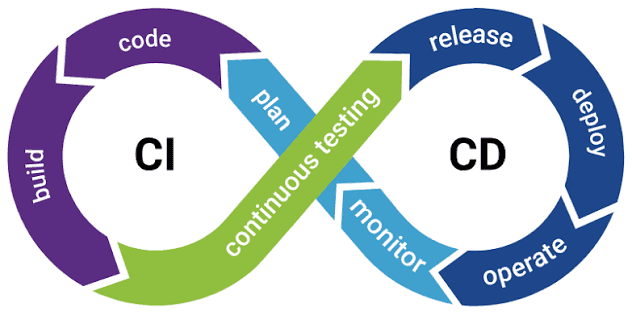
Deployment is the act of getting code running live. CI/CD (Continuous Integration/Continuous Deployment) is the automated pipeline that gets you there reliably: automatically testing code when it's pushed, building it, and then deploying it, without a person manually copying files to a server every time. Deployment is one stage inside a CI/CD pipeline, not a separate thing from it.
Why do teams use staging environments instead of deploying straight to production?▼
A staging environment is a near-identical copy of production used to test changes safely before real users are affected. It catches configuration issues, integration bugs, or environment-specific problems that don't show up on a developer's own machine, giving teams a final check before code reaches actual users.
What is a rollback, and why does it matter?▼
Related Blogs
CI/CD Explained: The Complete Guide to Building a Modern Pipeline
The complete 2026 guide to CI/CD — what continuous integration and continuous delivery/deployment actually mean, how a modern pipeline works stage by stage, the best CI/CD tools, AI's growing role in pipelines, and how to set one up for a real project.
How to Build a Real-Time Chat App: Architecture, Tech Stack & Complete Guide
How to build a real-time chat app from architecture to launch: WebSockets vs Firebase, choosing the right tech stack, core features to plan for, and the engineering challenges that catch most teams off guard.